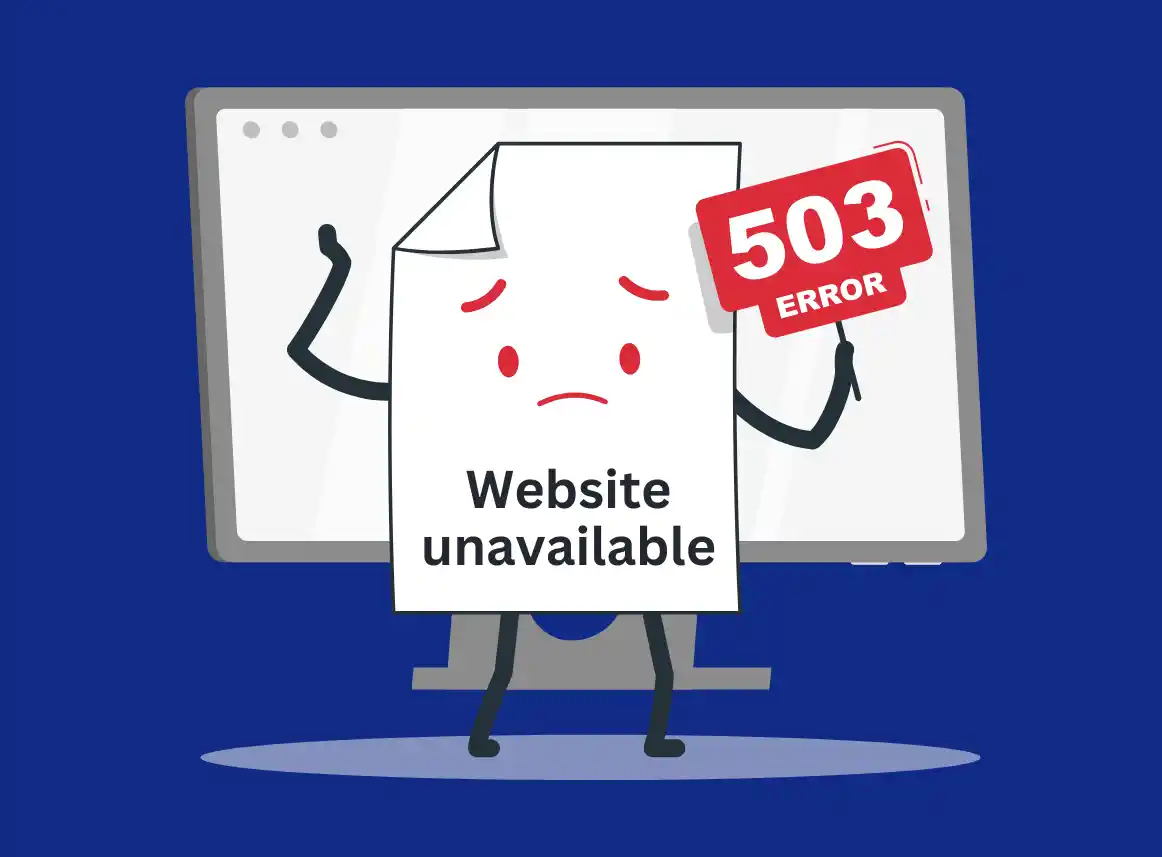

Few experiences are more stressful for a small business owner than discovering that your website is down. Imagine opening your laptop in the morning, expecting to check orders or messages, only to find your website is completely offline. Customers can’t make purchases, contact forms don’t work, and every minute your site is down could mean lost revenue and frustrated clients. The feeling of helplessness can be overwhelming, especially when you rely on your website for sales or leads.
The good news is that website downtime doesn’t have to turn into a full-blown crisis. With the right approach, you can diagnose the problem, take immediate action, and get your site back online quickly. You don’t need to panic or guess at solutions that could make things worse.
On this page, you will learn how to identify why your website is down, the most common causes of downtime, tools you can use to diagnose problems, and preventive strategies to avoid future interruptions. By the end of this guide, you’ll not only know how to recover from a website outage but also how to protect your online presence, reduce risks, and ensure your business runs smoothly.
Step 1: Stay Calm and Diagnose the Problem
The first thing to do is take a deep breath. Panicking won’t fix your site. Start by determining whether the issue is affecting only you or everyone. Open your website on different devices and internet service provider. Sometimes, a problem may be related to your local internet connection, browser cache, or even device settings.
If the website is down for everyone, it’s likely a server issue, a domain problem, or a larger technical fault. Understanding this distinction early will help you troubleshoot efficiently and avoid unnecessary steps.
Step 2: Check Hosting and Domain Status
Many website outages happen because of something as simple as an expired domain or hosting plan or maybe Cloudflare is down. Log in to your hosting account and confirm that your subscription is active and payments are up to date. Your domain name must also be renewed on time. If you manage multiple domains, it’s easy to forget renewals, but most hosting providers allow you to enable automatic renewals to prevent this type of downtime.
Hosting problems aren’t always caused by your account. Occasionally, servers go down due to technical failures or maintenance. Check your hosting provider’s status page or contact their support team to see if there are known issues. In many cases, your website will come back online once the hosting provider resolves the problem.
Step 3: Review Recent Changes or Updates
If your hosting and domain are in order, consider whether recent updates caused the issue. Installing a new plugin, updating your theme, or adding custom code can sometimes conflict with existing settings. For example, In WordPress; a poorly coded plugin might crash your site, or a theme update could break the layout.
In these cases, reverting to a previous version of your website or restoring from a backup often resolves the problem quickly. Platforms like WordPress make this process straightforward if you have automated backups in place. If you don’t, now is the time to start a backup routine to protect your site in the future.
Step 4: Check for Security Issues
Another common cause of downtime is hacking or malware. Signs of a compromised website include unexpected redirects, altered content, new admin users you don’t recognize, or strange error messages. If you suspect a hack, act fast. Scan your website immediately using tools like Sucuri SiteCheck, Wordfence, or your hosting provider’s security scanner.
Removing malware manually can be risky if you don’t have experience. Professional maintenance services can restore your website to its previous state without further damaging files or losing data.
Step 5: Test and Restore Functionality
Once the immediate cause is addressed, check that all parts of your website are functioning. Test forms, payment gateways, and page load times. Ensure that any errors have been fully resolved before declaring your website fully operational. This step is crucial because a site that appears online but still has broken functionality can cost you more in lost leads than complete downtime.
Step 6: Contact Your Website Maintenance Provider
If troubleshooting on your own does not solve the issue quickly, contact your website maintenance service. They have the experience and tools to diagnose and fix problems faster than a DIY approach. With a professional plan, your site can often be restored within minutes, minimizing lost revenue and customer frustration.
A good maintenance service also provides post-recovery support, explaining what caused the downtime and how to prevent it in the future.
Common Causes of Website Downtime
Understanding the root causes helps prevent future problems. Some of the most frequent reasons small business websites go offline include:
- Expired domain or hosting – Simple oversight but a common issue.
- Plugin or theme conflicts – Updates can clash with existing website components.
- Server outages – Hosting provider problems beyond your control.
- Security breaches – Malware or hackers can take a site offline intentionally.
- High traffic or resource overload – Sudden spikes can crash a site not optimized for traffic.
Being aware of these causes allows you to address them proactively with monitoring and maintenance.
Tools to Diagnose Website Downtime
Several free and paid tools can help you determine why your website is down:
- Down For Everyone Or Just Me – Checks if the site is offline globally.
- Pingdom – Monitors uptime and alerts you when downtime occurs.
- GTmetrix or Google PageSpeed Insights – Helps identify performance-related crashes.
- Sucuri – Scan for malware or security issues on WordPress websites.
Using these tools regularly allows you to catch issues early and resolve them before they impact your business.
Preventing Future Website Downtime
Downtime prevention is better than emergency fixes. Implementing a monthly website maintenance plan ensures that updates, backups, security monitoring, and performance optimization are handled automatically. Regular maintenance reduces the likelihood of downtime caused by plugin conflicts, server overloads, or security breaches.
Other preventive measures include:
- Automating backups
- Enabling uptime monitoring alerts
- Keeping plugins and themes updated
- Using a reliable hosting provider
- Scheduling regular performance audits
These steps protect your website, your revenue, and your reputation.
Conclusion
Website downtime can feel catastrophic for a small business, but with the right approach, it doesn’t have to be. By quickly diagnosing the issue, checking hosting and domain status, reviewing updates, and scanning for security problems, you can get your site back online faster. Partnering with a professional maintenance service provides the extra assurance that downtime is minimized and future problems are prevented.
ManageMySite offers professional website maintenance and support starting at $200 per month. With updates, backups, security monitoring, and fast troubleshooting, your website stays online, secure, and reliable so you can focus on growing your business without worrying about technical problems. Click here to see our pricing.